
Start here
Twenty minutes, four things done: run the setup wizard, bring in one recipe, tell FoodGenie what’s already in your kitchen, and ask the Genie a single question. Everything else in FoodGenie builds on these four.
The 2-minute setup
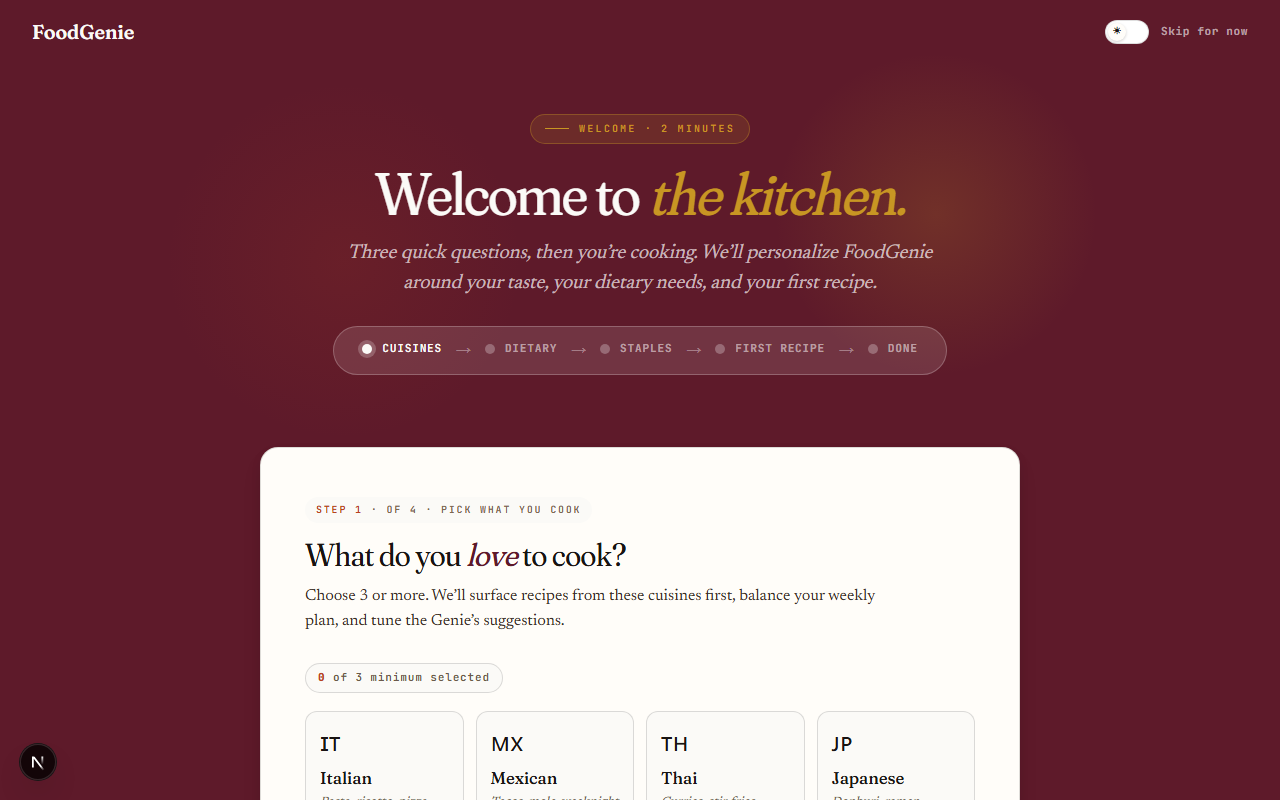
New accounts land on a short 5-step wizard before the dashboard. Only the first step has a real requirement — everything after it is skippable, and skipping never blocks you from finishing.
Cuisines
Pick 3 or more of the 12 listed cuisines. This is the one required step — Continue stays disabled below 3.Dietary needs
Allergens, a severity level, and dietary patterns — or a single-tap "No allergens or restrictions" skip. Allergen data is curator-verified, never AI-guessed.Staples
Optional. Tap the pantry basics you already keep on hand to pre-stock your kitchen. See "Stock your kitchen" below.First recipe
Optional. Three fast paths in, covered in the next section — or skip and explore the recipe library instead.Done
A celebration screen with next steps: plan your first week, browse what you can make, try the Genie, or open the full guide index.
Import your first recipe
FoodGenie’s planner, inventory match, and shopping list only have something to work with once you’ve got at least one recipe. Three fast paths, or skip straight to browsing the community library if you’ve got nothing to import yet.
Paste a URL
From any recipe site — NYT Cooking, Bon Appétit, food blogs. Parses in seconds.Snap a photo
A cookbook page, magazine clipping, or recipe card. Mobile only, and a Pro feature.Type it in
Paste plain text from anywhere, or type a recipe out from memory.
Stock your kitchen
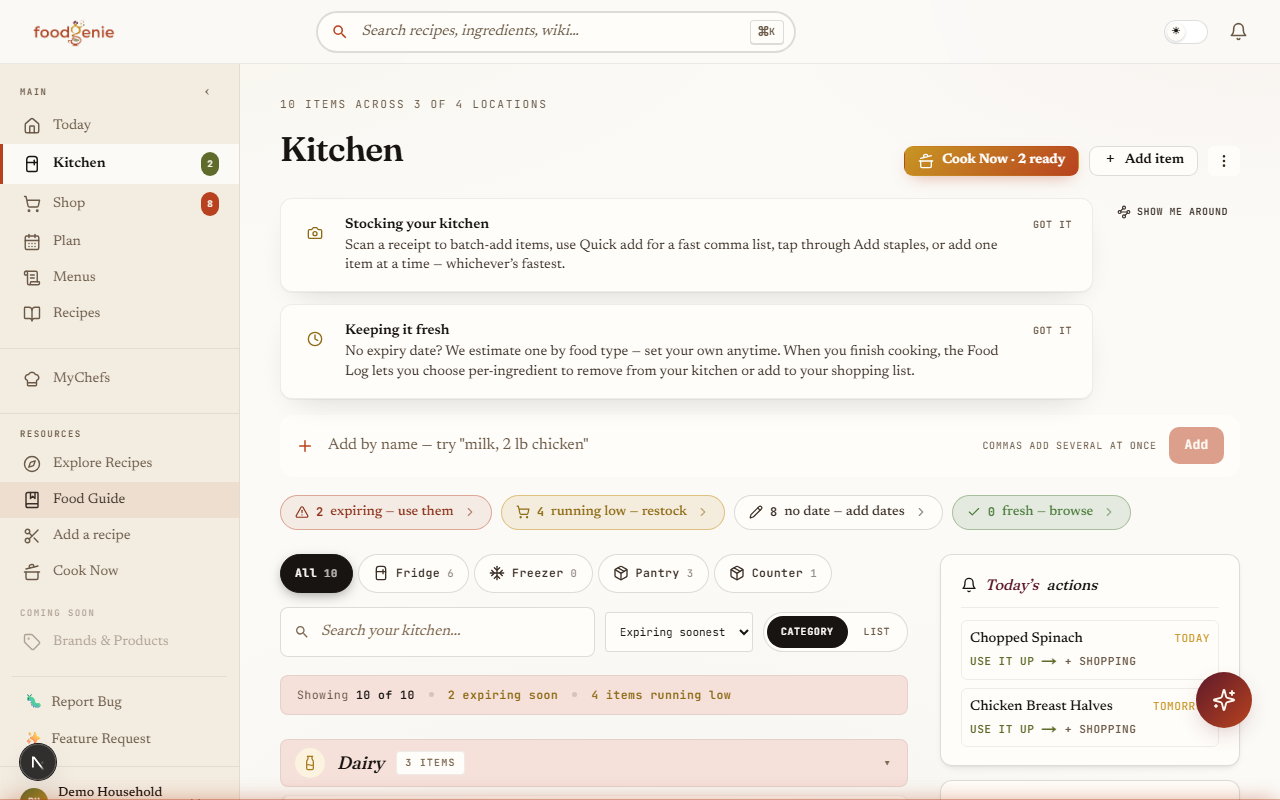
Tell FoodGenie what’s already on your shelves and “what can I make?” starts working from day one. The staples picker offers a searchable, sortable list of common pantry ingredients — tap the ones you have, then add them all in one batch.
Ask the Genie one thing
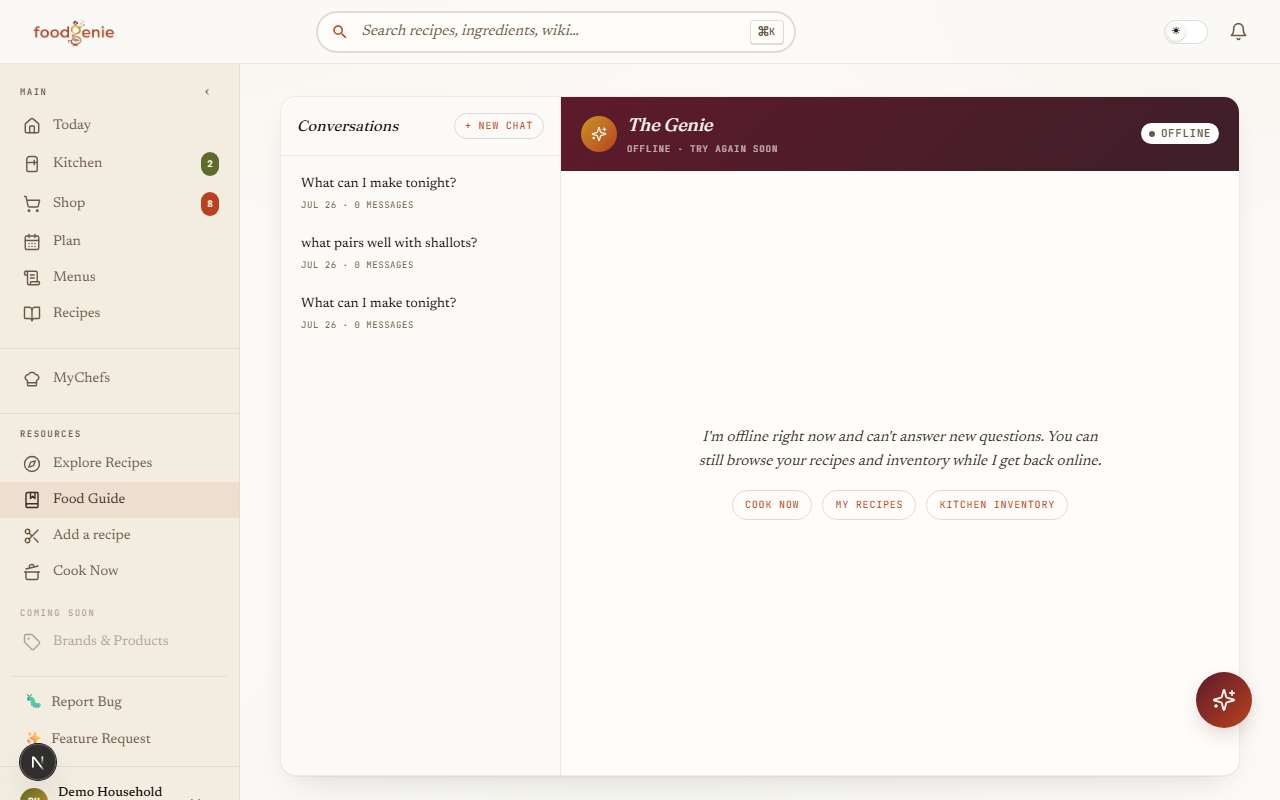
The Genie opens with one question — “What are we cooking tonight?” — and four ready-made prompts underneath it, so you don’t have to think of something to type. Try any one of them:
"What can I make?"
Sorts your saved recipes against what’s actually in your kitchen."Plan my week"
Proposes kitchen-aware picks for your empty plan slots."Expiring soon?"
Surfaces anything about to go off, with a next step."Find a sub"
Suggests a substitution for an ingredient you’re missing.
What's next
That’s the whole first session. From here, Guide 0 is the fastest way to see everything FoodGenie can do in one pass, and Guides 2 and 3 go deep on the two things you just touched — RecipeClipper and MyKitchen.
Was this page helpful?