
What FoodGenie can do
Not a manual — a tour. Six moments where FoodGenie does something a plain recipe box or grocery app can’t, each with a straight look at the real screen and a link to go try it yourself.
Your day at a glance
Open FoodGenie and the dashboard tells you where things stand without digging: tonight’s dinner, with a straight “you have everything” check when nothing’s missing, anything about to expire with a use-it-up nudge, the week ahead — meals already planned and what’s left on your shopping list — and a “Your menus” zone with your household’s own themed menus, one tap from adding a dish straight to tonight.

The magic moment: “What can I make?”
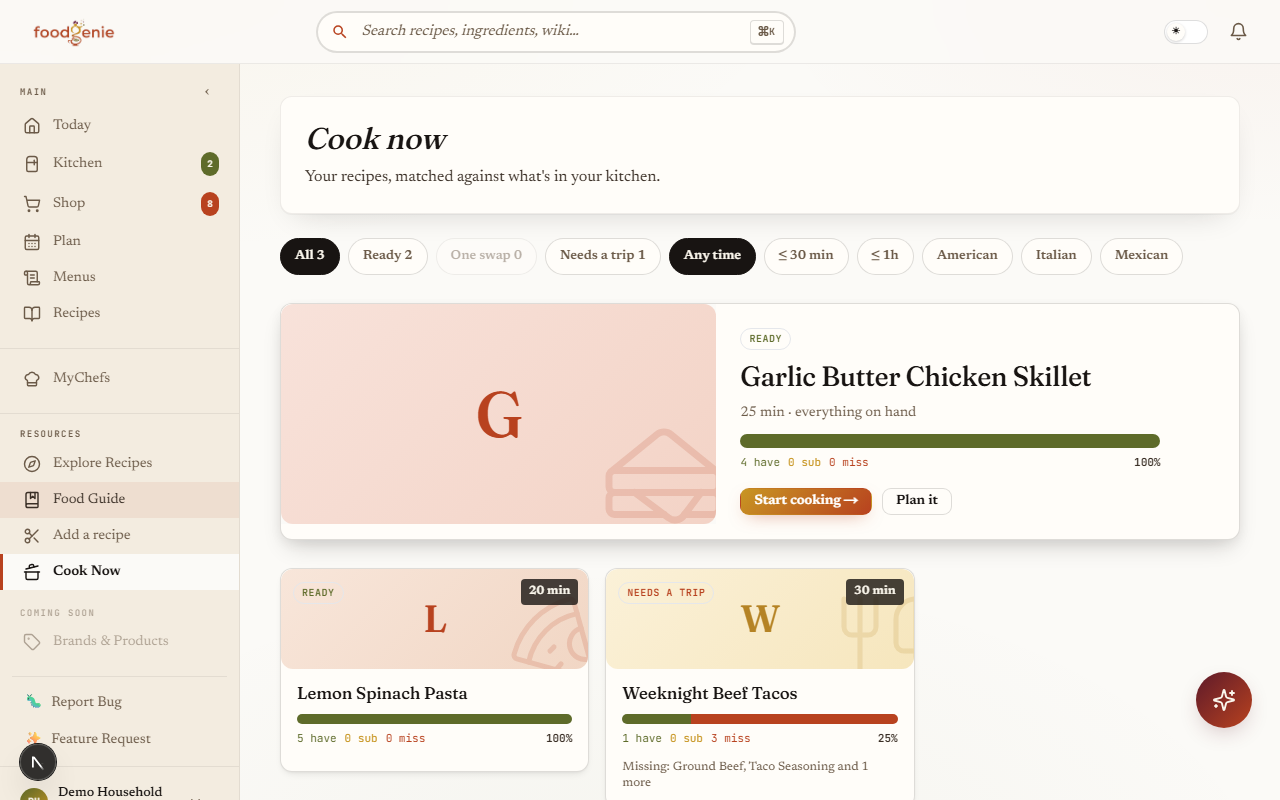
Every recipe you’ve saved gets sorted against what’s actually in your kitchen, into three honest tiers: Ready, One swap (one substitution away), and Needs a trip. No recipe is hidden to make your kitchen look more stocked than it is.
Use it up before it goes to waste
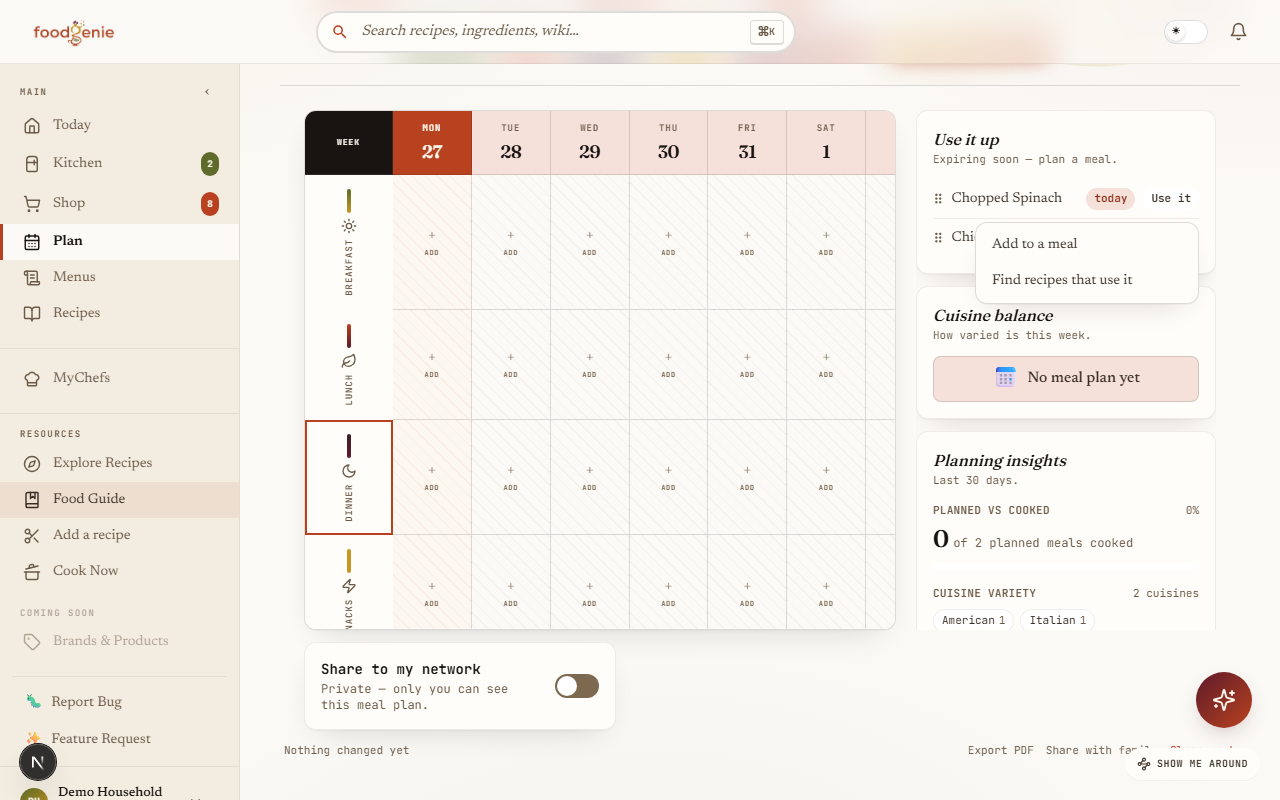
The Meal Planner surfaces what’s about to expire and gives it a real next step — an actionable “Use it” chooser, not just a warning. For food you can eat as-is, add it straight to tonight’s dinner in one tap; for anything else, jump to recipes built around that exact ingredient.
Clip a recipe from almost anywhere
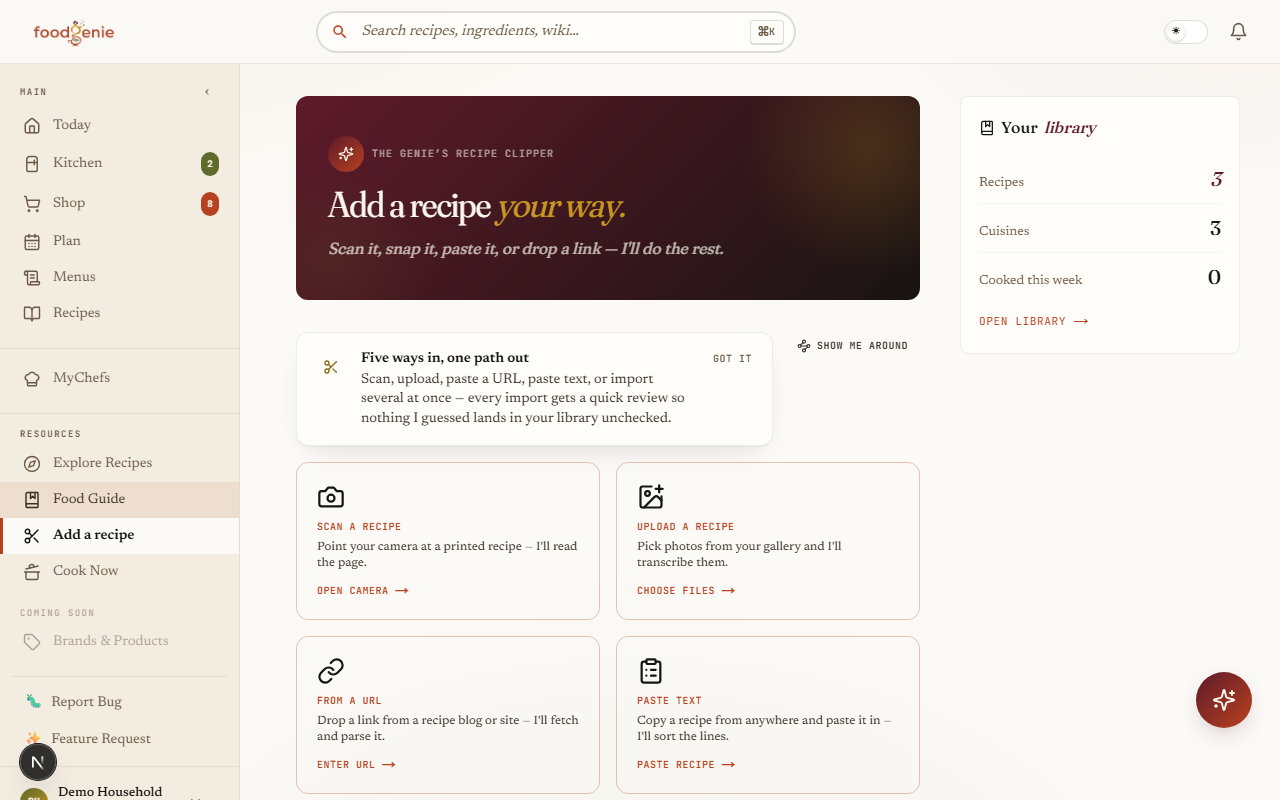
Paste a URL from any recipe site, paste plain text copied from anywhere, scan or upload a photo of a printed recipe, or batch-import several URLs at once. Every import — no matter the path — lands on a short review step before anything goes live, so you confirm or fix anything FoodGenie misread. Nothing goes live unreviewed.
Let the Genie plan your week
Ask the Genie to “plan my week” and it proposes kitchen-aware picks for every empty slot on your calendar — grounded in your real kitchen, recipes, and meal plan, plus the substitution graph and Food Guide for food facts. Nothing is written to your plan until you confirm it.
Every food, connected
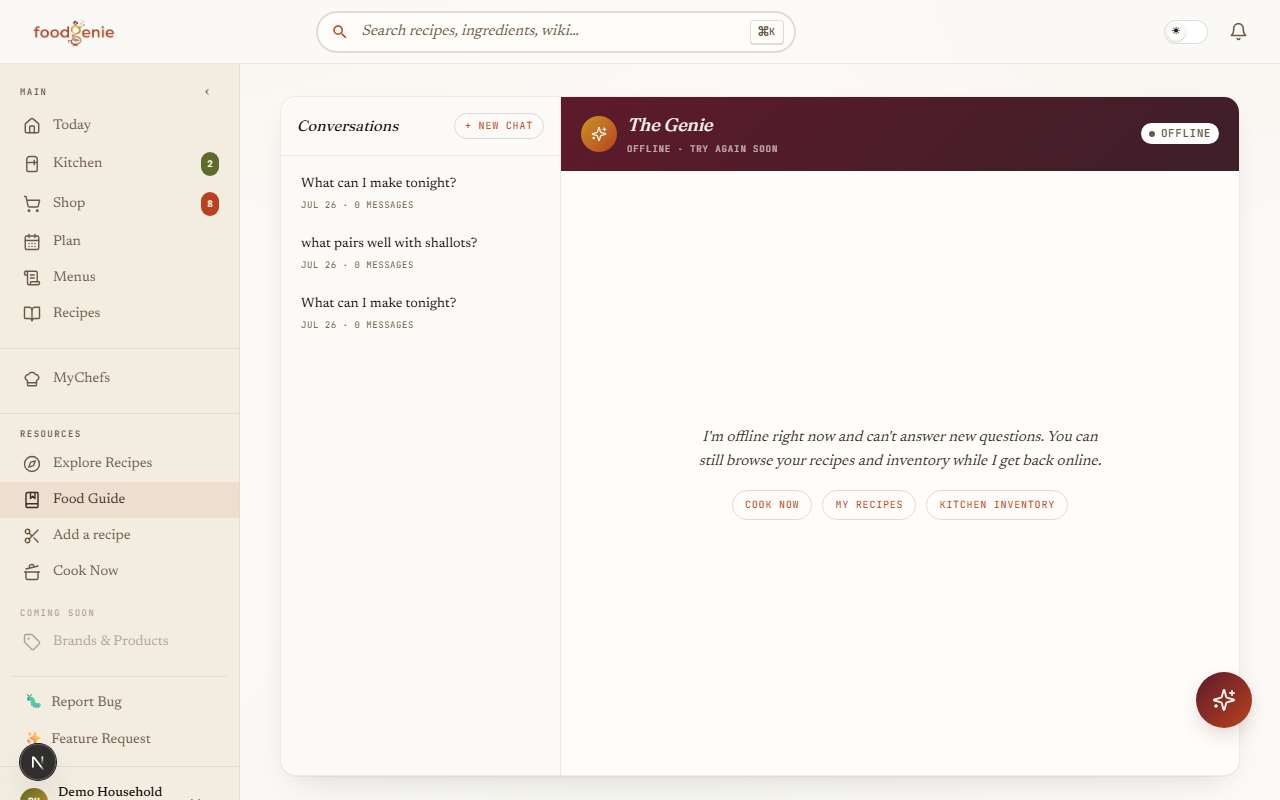
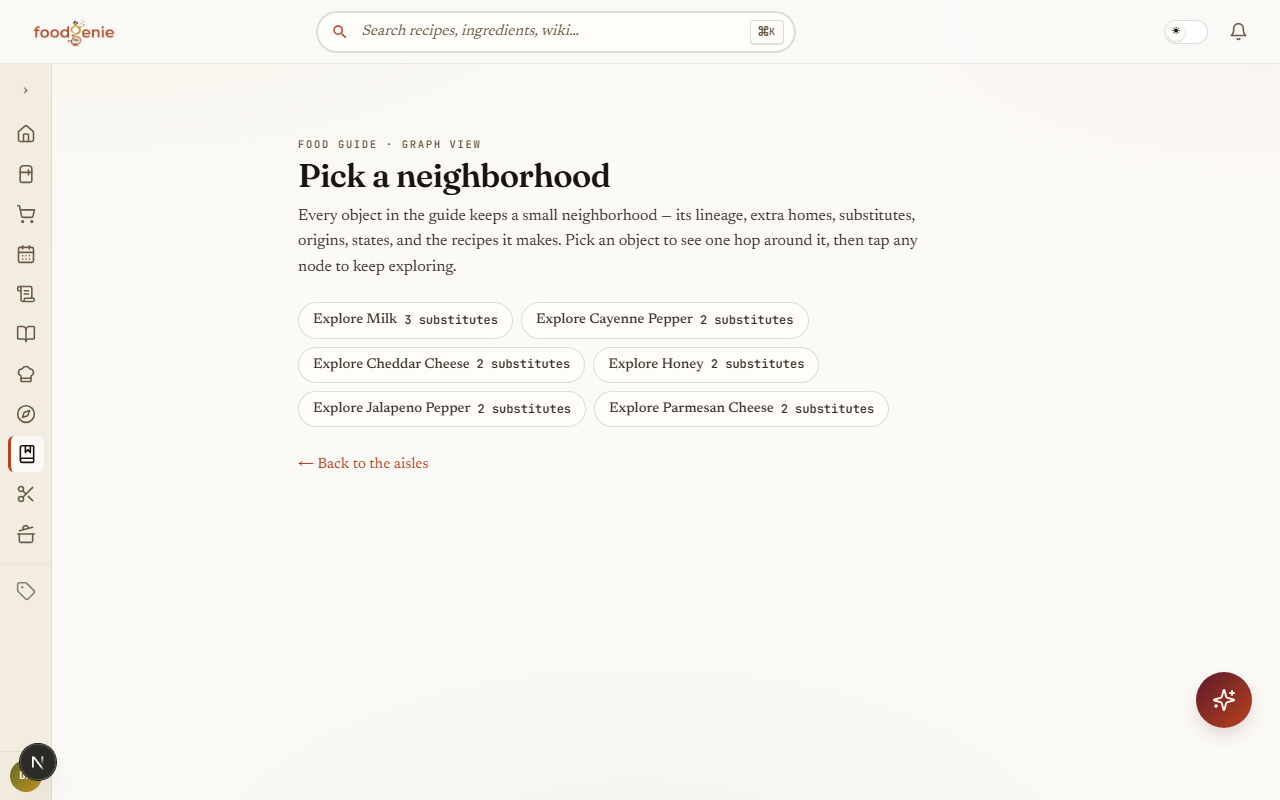
Open any entry in the Food Guide and you’re not looking at an isolated fact sheet — every object keeps a small neighborhood of its own lineage, substitutes, origins, states, and the recipes it makes. Tap any connection to keep exploring outward.
Was this page helpful?