Food Guide & the food graph
Every food FoodGenie knows about, connected to its lineage, its substitutes, and the recipes it shows up in — free to browse without an account, and tied straight back to your own kitchen once you sign in.
The food graph, plainly
Every ingredient, dish, cuisine, technique, and tool FoodGenie knows about is a page with a neighborhood — its lineage, its substitutes, the more general and more specific versions of it, and the recipes built around it. Nothing sits in isolation; every page is a doorway to the next one.
Browsing — no account needed
The Food Guide’s home page and its aisle-by-aisle browser are open to anyone, signed in or not — and so is every individual entry page. Share a link to any food and it opens straight up, no login wall in the way.
An entry page
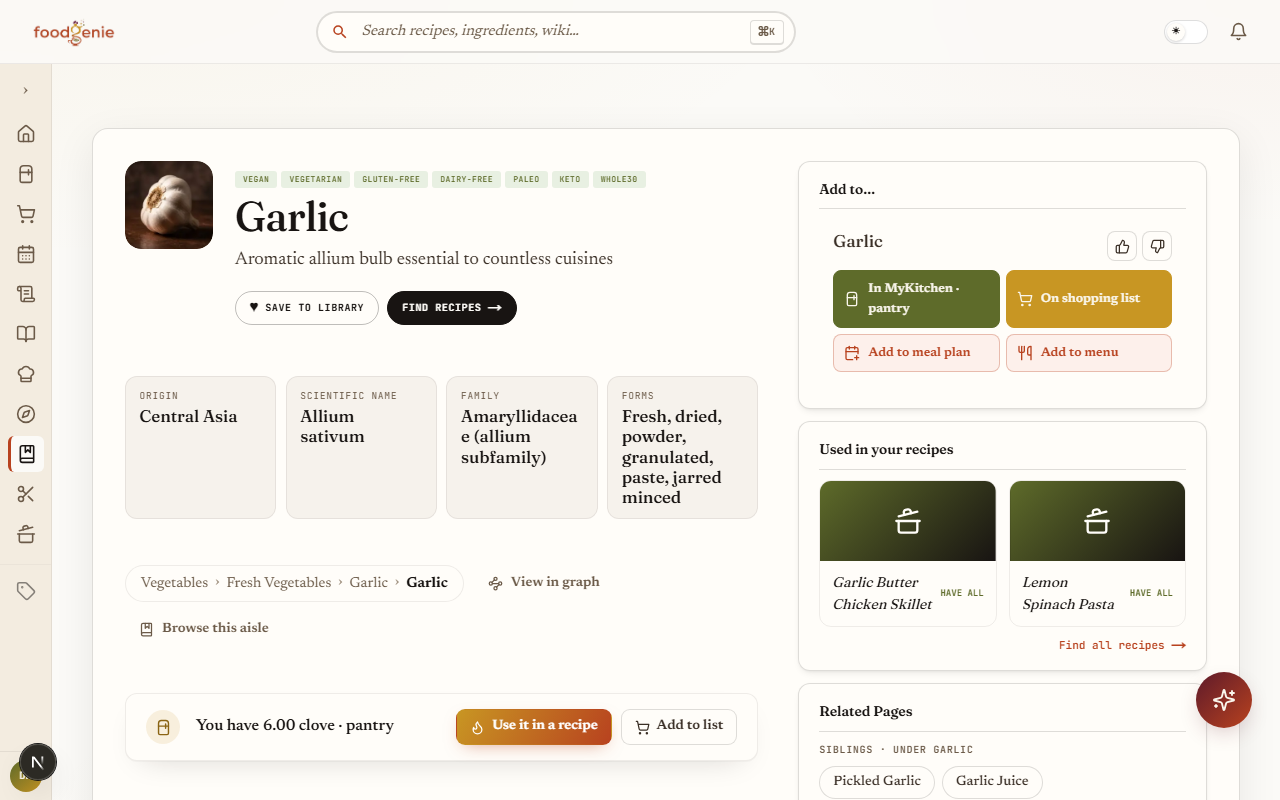
One food’s page brings together everything FoodGenie knows about it:
Facts & lineage
A quick facts strip, a breadcrumb showing where it sits in the aisle tree, and links to related foods and its graph neighborhood.Substitutions
Real swap suggestions, covered in more depth below.Buy it or make it
A shopping-list shortcut, and a mini-recipe when one exists.Learn sections
Nutrition, storage, and tips, when a curator has written them.Trust footer
Where this entry’s content came from, and whether a curator has reviewed it.
The graph view
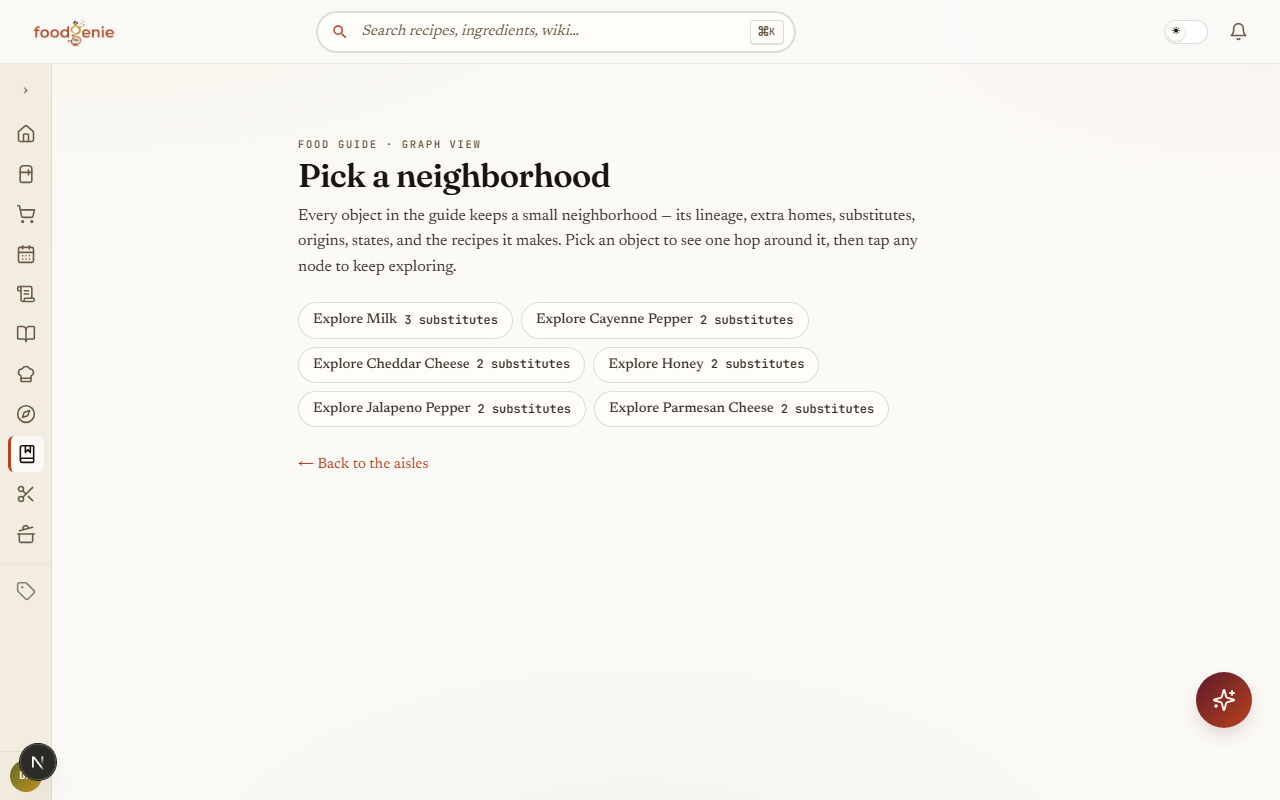
Tap “View in graph” from any entry and its neighborhood renders as an actual diagram — lineage, substitutes in both directions, close relatives, and the recipes that use it, one hop out. Click any connected food to re-center the graph on it, and keep exploring outward from there.
Here’s a small, fixed slice of it — tap a food to see how it connects to its neighbors, and what kind of relationship each connection actually is:
Tap a food to see how it connects
- Made from (industrial)
- Made from (industrial)
- Has facet
- Is a state of
- Made from (industrial)
- Is a state of
Milk’s connections
- Milk → Butter Made from (industrial)
What a made from (industrial) edge means in the food graph: child is industrially made from parent (cheese from milk; a branded family from its generic constituent — Oreo cookies from wheat flour). - Milk → Cheese Made from (industrial)
What a made from (industrial) edge means in the food graph: child is industrially made from parent (cheese from milk; a branded family from its generic constituent — Oreo cookies from wheat flour). - Milk → Yogurt Has facet
What a has facet edge means in the food graph: child belongs to non-subsumption grouping parent (fermented).
Brand pages
A packaged product — say, a specific brand of pasta sauce — gets a “Made by{brand}” panel right on its entry page, connecting it back to the generic food it’s a version of.
Substitutions & buy-or-make
Out of something? Most entry pages surface real substitution suggestions, each with a swap ratio (like 1 : 1) and a badge showing whether a curator checked it or the Genie suggested it. “Use this swap” adds the substitute straight to your shopping list.
Below that, a “Buy it or make it” card gives you both real options at once: add the packaged version to your shopping list, or — when a curator has written one — follow a short mini-recipe to make it yourself.
Your kitchen, connected
Signed in, every entry page tells you plainly whether that food is already in your kitchen — “You have {quantity} · {location}” when it is, “Not in your kitchen yet” when it isn’t. Signed out, it invites you to sign in to see. This is the same have/don’t-have signal guides 3 and 9 build on, surfaced wherever you happen to land on a food.
Was this page helpful?