
Account, privacy & your data
Where your settings actually live, exactly what the Genie is handed about you on every turn, and — the part worth reading carefully — the honest current state of exporting or deleting your data.
Profile & dietary settings
Your name, avatar, and cooking skill level live on your profile page. Your allergens, dietary patterns, goals, and dislikes have their own separate page — kept apart because your profile is about you as a cook, and your dietary profile is what actually gets checked against every recipe and suggestion.
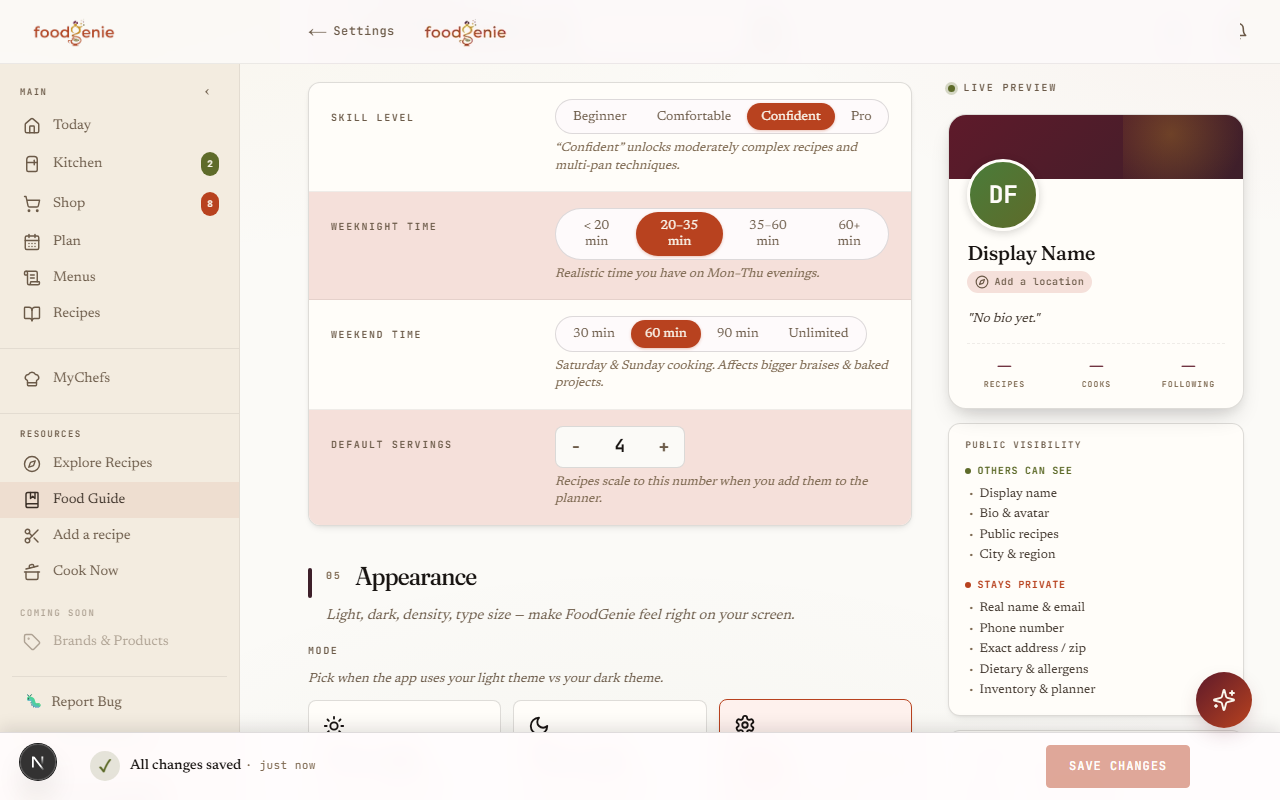
Cooking skill
Beginner, comfortable, confident, or pro — it steers how the Genie pitches recipe complexity to you, not a hard filter on what you can see.Dietary profile
Allergens with severity, dietary patterns, goals, dislikes, cuisines you love or skip, and how you want substitutions handled — this is what's actually checked against recipes and plans.
Two-factor login
Scan a QR code with an authenticator app, confirm one 6-digit code, and you’re given 10 one-time backup codes to save somewhere safe. From then on, signing in asks for that code too — or one of your backup codes, if your authenticator isn’t handy.
Scan with your authenticator
Any TOTP app — Authy, 1Password, Google Authenticator. Hardware keys and SMS aren't supported yet.Confirm one 6-digit code
That turns two-factor on and shows your 10 backup codes exactly once.Save your backup codes
Each one works exactly once, as a stand-in for your authenticator if you don't have it on you.
What the Genie sees
Every time you chat with the Genie, it starts the conversation already holding: your dietary profile and cooking skill, your whole household’s combined allergens and dislikes, and a snapshot of what’s in your kitchen (soonest-expiring items first, capped at 25 so a huge kitchen doesn’t balloon every request).
AI-content disclaimers
Anywhere AI touched the content, FoodGenie says so on the page itself — not buried in a settings screen you'd have to go looking for.
Every recipe page
"This recipe was parsed and enriched with AI. Verify times, quantities, and allergens before cooking." — shown on every recipe, whether AI touched it heavily or barely at all."Created by the Genie"
A separate badge on any recipe the Genie itself authored — "AI-generated, review before relying on it."The Genie chat window
A permanent footer line: "Food information only · not medical advice · always verify allergens."
Exporting your data
One button on your Privacy & data page generates a real, downloadable file right away — no waiting on an email, no background job.
Deleting your account
Deletion is a two-step, self-serve request: confirm once to start a 7-day cooldown, then come back and type your account email to confirm for real.
Was this page helpful?